We use AI every day in our testing work. It drafts test cases, writes the first version of automation scripts, generates test data and summarises long logs in seconds. If you're not using it yet, you're probably working harder than you need to.
But "AI will replace testers" misses what exploratory testing actually is. Exploratory testing is learning the product, designing tests and running them all at the same time, guided by what you just saw. It's judgment work, and judgment is exactly what AI still borrows from the person using it.
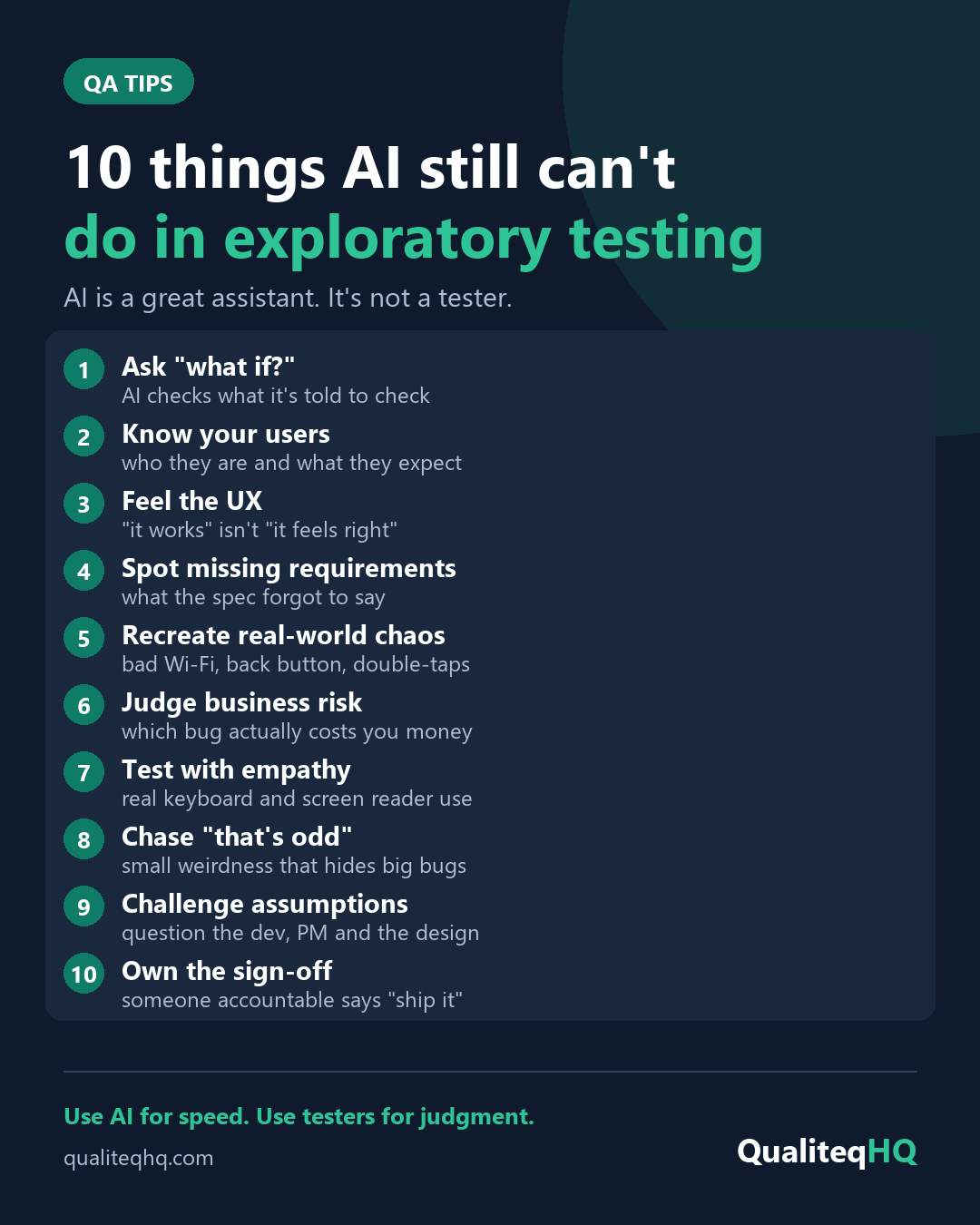
Here are 10 things a human tester still does better.
-
Ask "what if?"
AI checks what it's told to check. A tester wonders what happens if the user does it differently: pastes an emoji into the name field, changes the delivery address after paying, or opens the same booking in two tabs.
-
Know your users
A good tester learns who your customers are, how comfortable they are with technology and what they're trying to get done. A checkout that's fine for a developer can be confusing for a 65-year-old customer ordering on their phone.
-
Feel the UX
"It works" isn't the same as "it feels right". Humans notice a button that's hard to find, an error message that blames the user, or a form that wipes everything when one field is wrong.
-
Spot missing requirements
AI tests the spec it's given. Many of the most expensive bugs live in what the spec forgot to say: what happens on a public holiday, with a refund after a discount, or when a user's session expires halfway through a payment.
-
Recreate real-world chaos
Real users have slow Wi-Fi, press the back button mid-checkout, double-tap "Pay" and switch apps while a page is loading. Testers deliberately recreate that mess on real devices.
-
Judge business risk
Not every bug matters equally. A tester who understands the business knows that a typo on the About page can wait, but a wrong price in the cart or a broken contact form needs fixing before launch.
-
Test with empathy
Automated accessibility scanners only catch part of the real problems. Using the site with only a keyboard, or with a screen reader, shows what it's actually like for the people who depend on them.
-
Chase "that's odd"
A page that loads a little slower the second time. A total that's one cent off. Experienced testers follow small weirdness like this, and it often leads to the biggest bugs.
-
Challenge assumptions
Good testers ask awkward questions of the developer, the product manager and the design. "Who said users will only ever have one account?" can save weeks of rework.
-
Own the sign-off
Someone accountable still has to look at the evidence and say "this is ready to ship" or "not yet". That call needs context, trust and responsibility that AI doesn't carry.
So how should you use AI in testing?
Treat it as a fast assistant, not a replacement. In our own work, AI helps us:
- draft test ideas and checklists to review and improve
- write the first version of Playwright or Selenium scripts
- generate realistic test data
- summarise logs, errors and long bug threads
The tester then decides what matters, explores the product, and checks that the AI's output is actually right.
Use AI for speed. Use testers for judgment. The best results come from both.

Noel Aparece
Senior QA Engineer with 13+ years in software testing, ISTQB Certified Tester (CTFL) and co-founder of Qualiteq HQ.